
Platform Settings
Configure users, roles, billing, and workspace preferences
Platform Settings
The Settings area lets administrators configure all aspects of your SKU Manager workspace.
Users & Roles
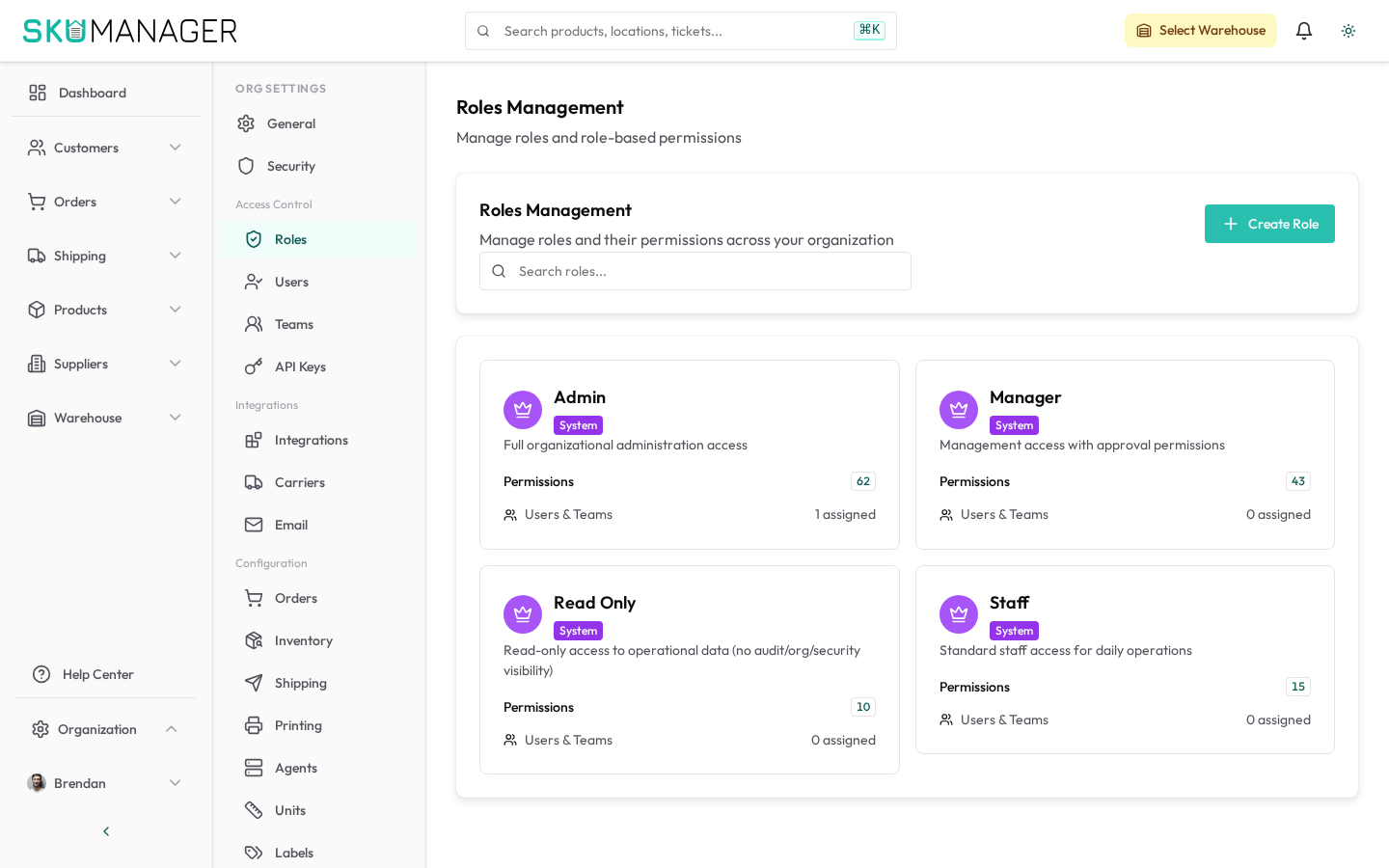
Manage team access under Settings → Organization → Users:
- Invite new members by email
- Assign roles (Admin, Manager, Warehouse Staff, Read Only)
- Deactivate accounts without deleting their activity history
Organization Profile
Update your organization name, logo, timezone, and default currency under Settings → Organization → General.
Billing & Plans
View your current plan, usage, and invoices under Settings → Organization → Billing. Upgrade or downgrade your plan at any time. Changes take effect at the start of your next billing cycle.
API Access
Generate API keys for external integrations under Settings → Organization → API Keys. Each key can be scoped to specific permissions and rotated independently.
Notifications
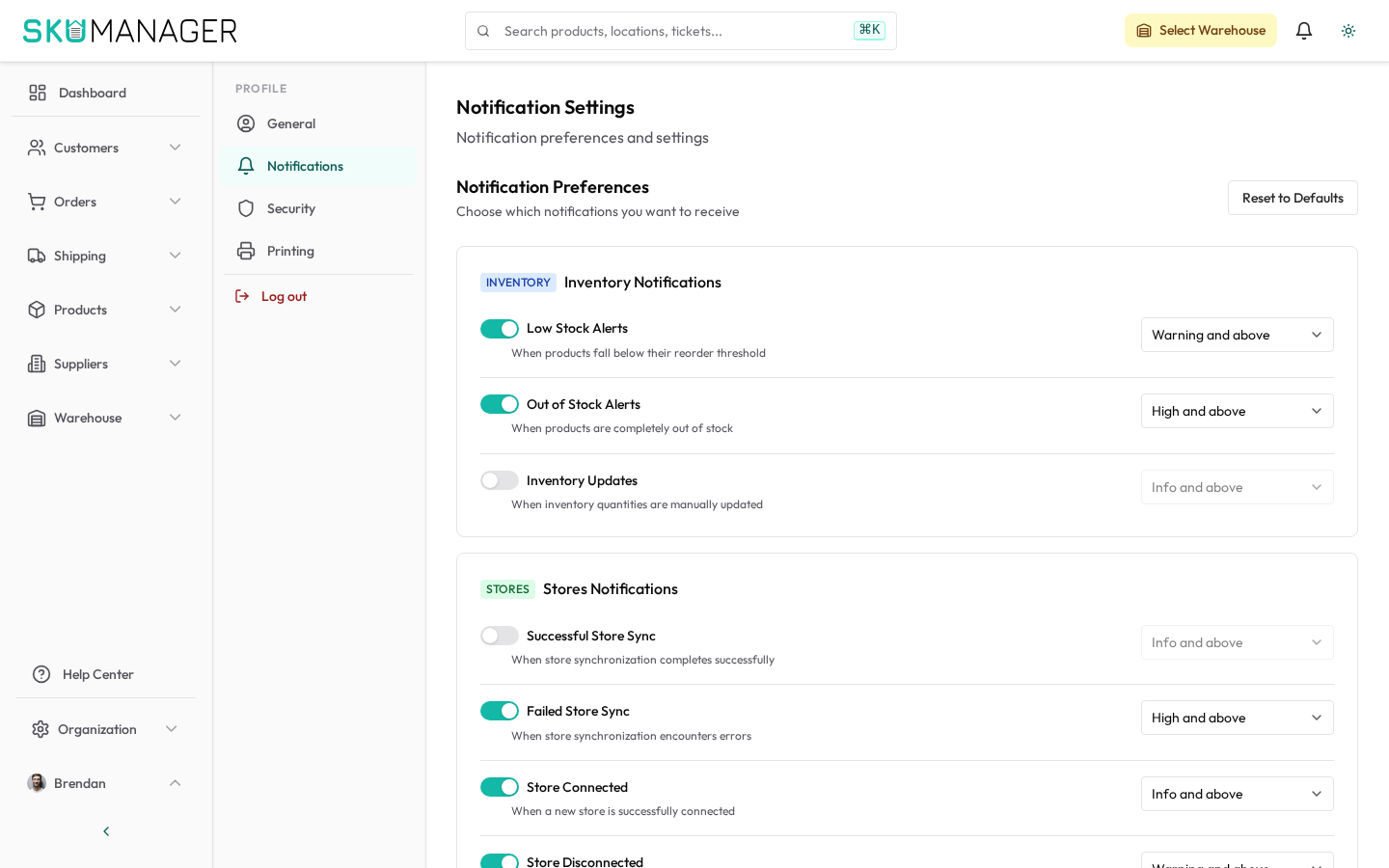
Configure email notification preferences under Settings → Profile → Notifications. Set triggers for low stock alerts, new orders, and sync errors.
Warehouses
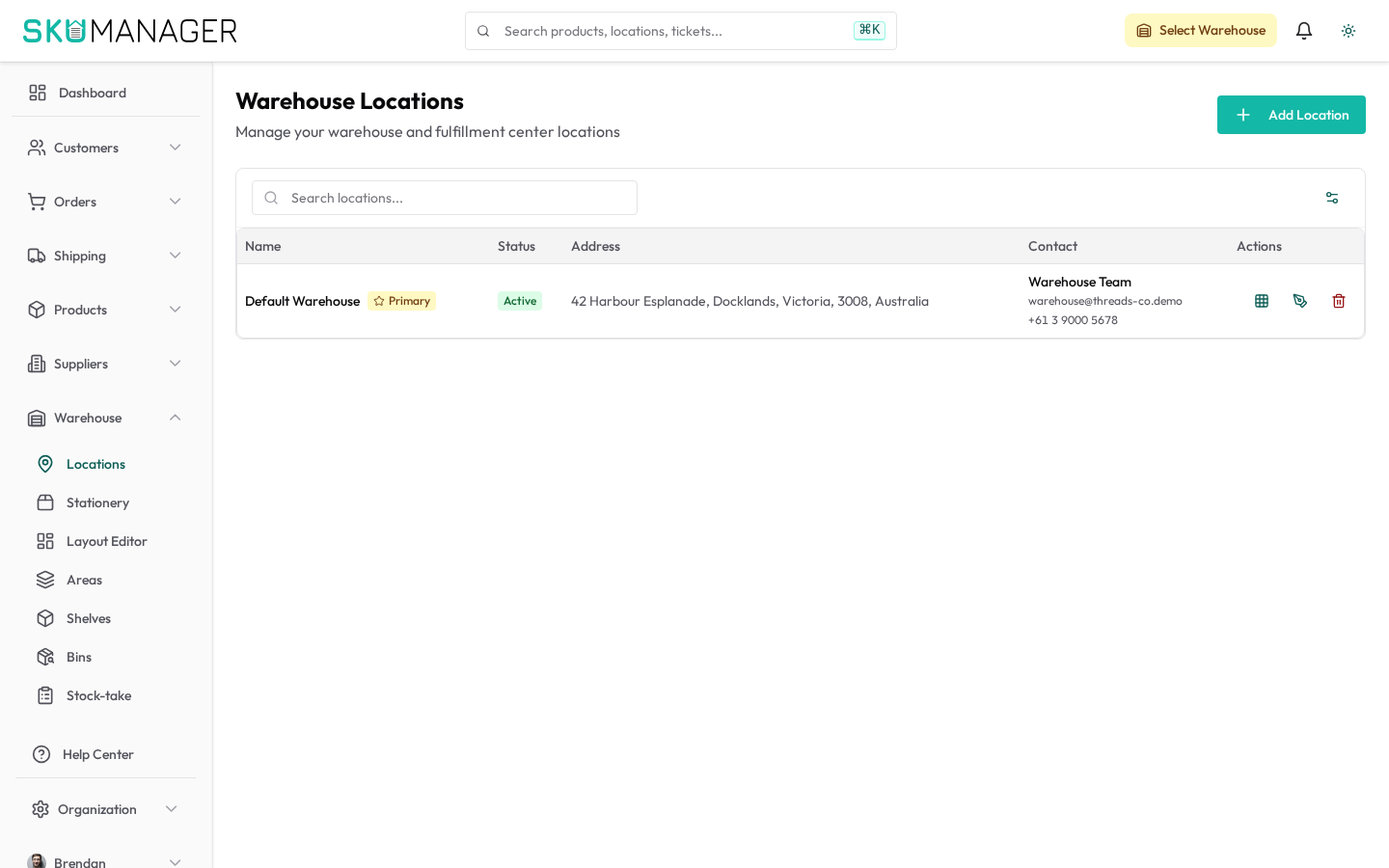
Add and manage physical warehouse locations under the Warehouse area. Each warehouse can have its own locations (zones, aisles, bins) to support detailed pick routing.
Audit Log
Every action performed in the workspace is logged. Audit and activity records are available to platform administrators under Settings → Platform Admin → Activity, filterable by user, date, and action type.