
Managing Orders & Fulfillment
Pick, pack, and ship orders efficiently from the SKU Manager warehouse interface
Orders & Fulfillment
SKU Manager gives warehouse teams a streamlined workflow for processing orders from receipt through fulfillment.
Order Lifecycle
Orders move through the following statuses:
- Pending — received from a connected store, awaiting action
- Processing — picked up by a warehouse operator
- Picking — items being collected from shelves
- Packed — items packed and ready for carrier
- Shipped — tracking number assigned, carrier notified
- Delivered — confirmed delivery (if carrier tracking is available)
Viewing Orders
Navigate to Orders from the main menu. Use the filters to narrow by:
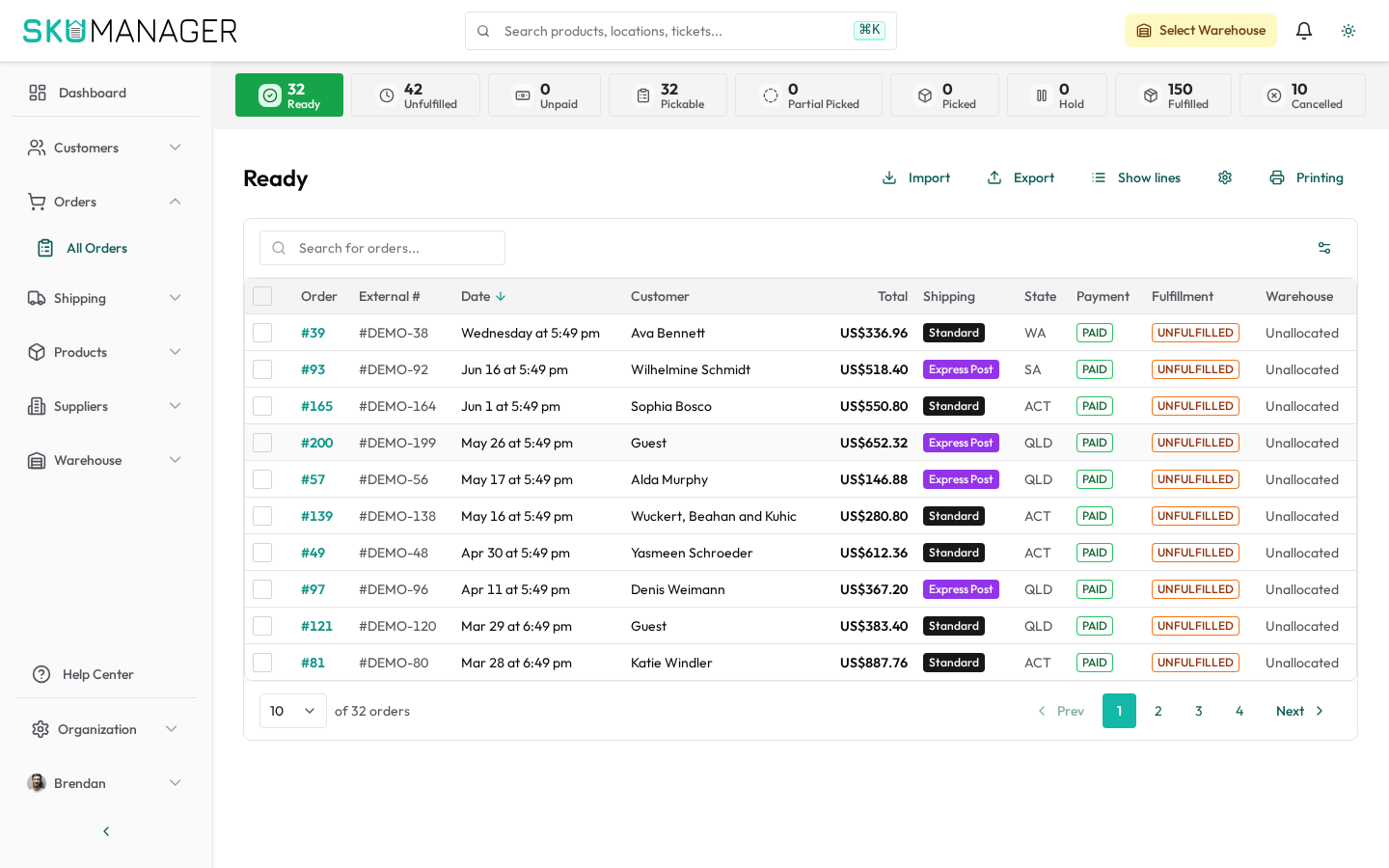
- Status (pending, processing, shipped, etc.)
- Date range
- Store (if multiple stores are connected)
- Assigned operator
Processing an Order
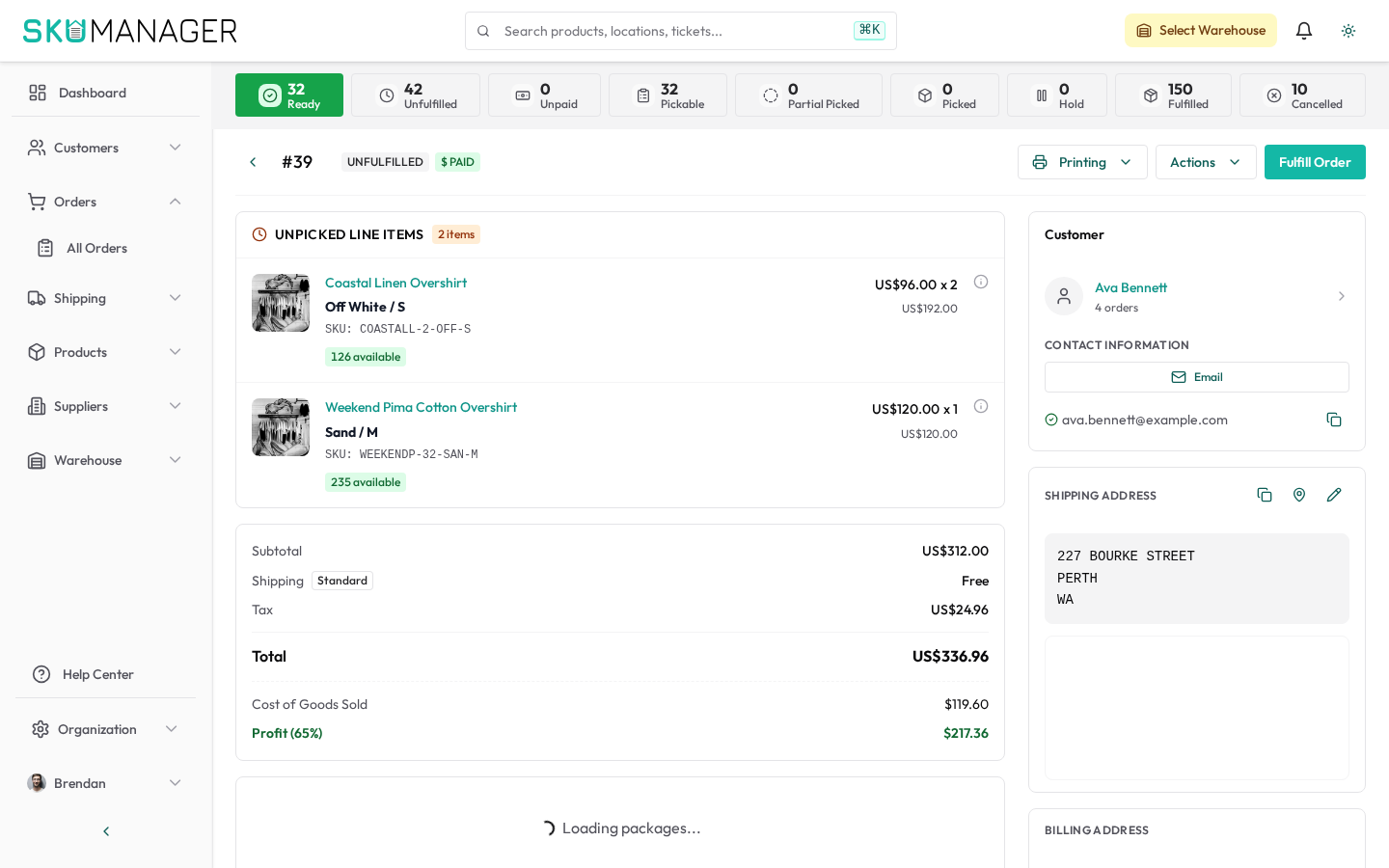
- Open an order and click Start Picking
- Follow the pick list — items are sorted by warehouse location for efficiency
- Scan or manually confirm each item as you collect it
- Click Mark as Packed once all items are collected
- Enter or scan the tracking number when handing to the carrier
- Click Mark as Shipped — this pushes the fulfillment back to Shopify automatically
Bulk Fulfillment
For high-volume operations, use the bulk actions toolbar on the Orders list to mark multiple orders shipped simultaneously after entering a shared carrier manifest.
Returns & Refunds
To process a return, open the shipped order and click Create Return. Specify returned items and condition, then choose whether to restock inventory. Refund processing happens in Shopify — SKU Manager updates inventory accordingly.
Printing Pick Lists & Packing Slips
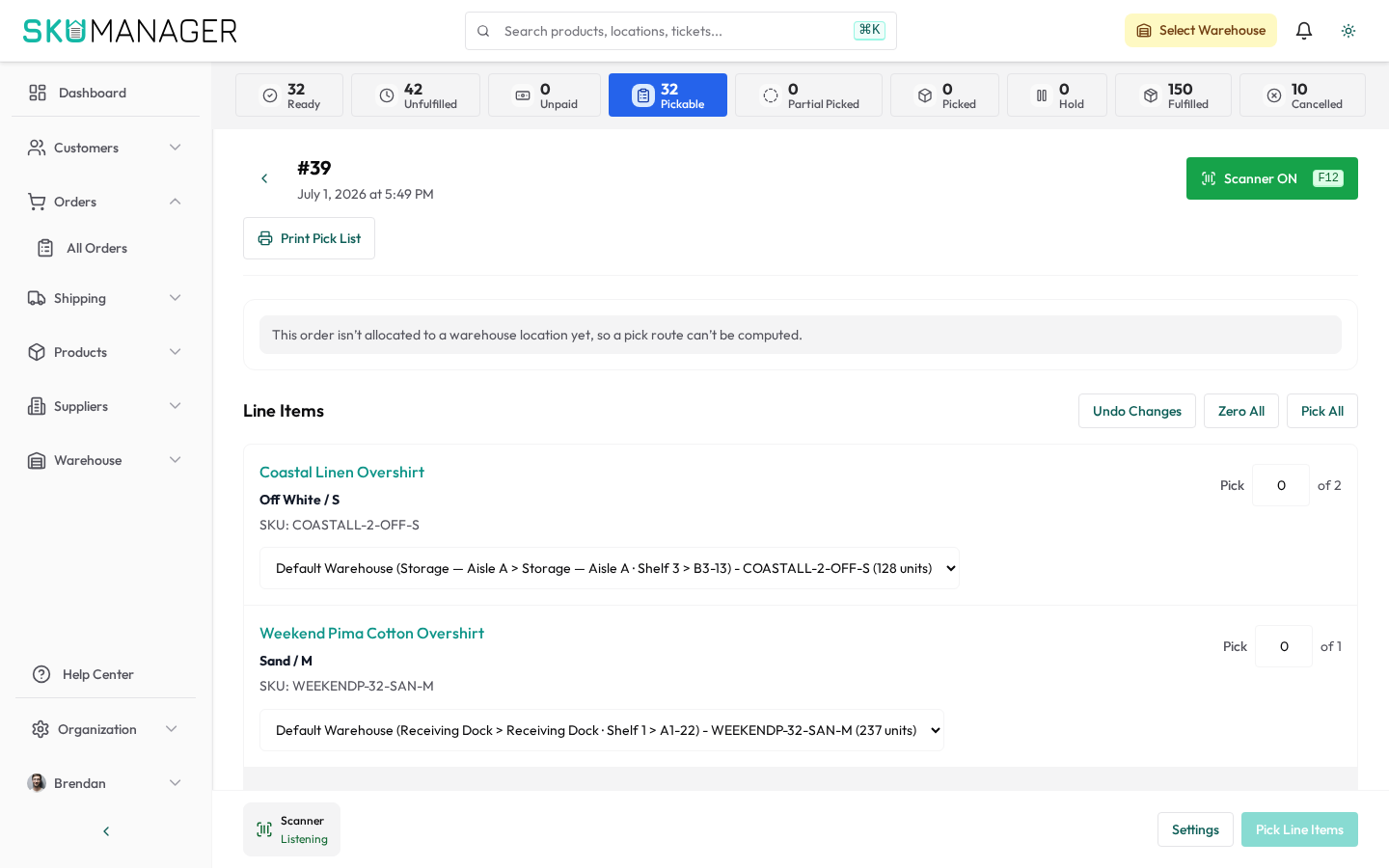
From any order, use the Print menu to generate:
- Pick list — warehouse-optimized item list by location
- Packing slip — customer-facing document included in the shipment