
Tracking Inventory
Manage stock levels, warehouse locations, and inventory adjustments
Inventory Management
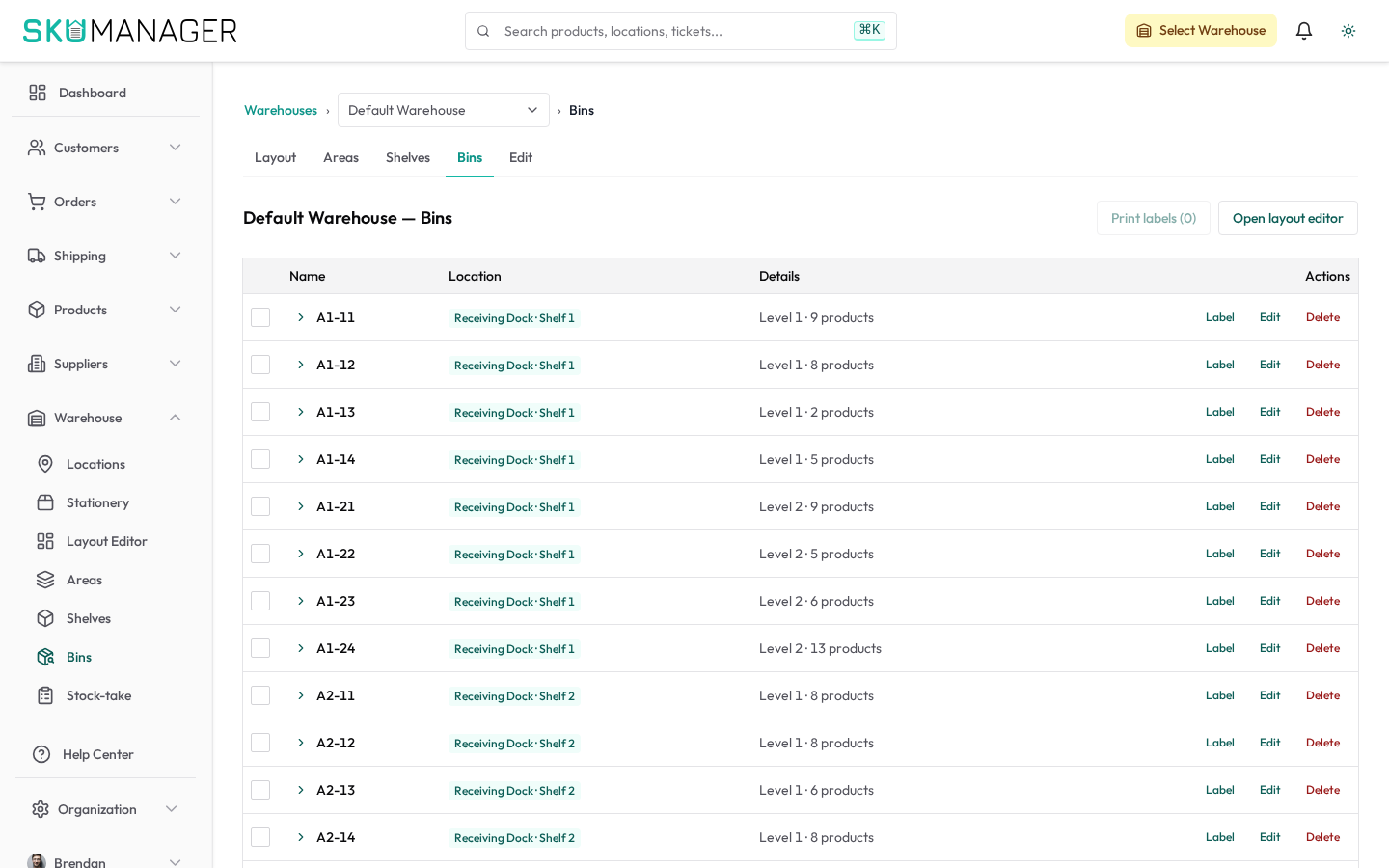
SKU Manager provides real-time inventory tracking across multiple warehouses, locations, and channels.
Stock Levels
Each product variant maintains a stock level per warehouse location. The Inventory page shows:
- On Hand — physical stock currently in the warehouse
- Committed — stock reserved for open orders
- Available — on hand minus committed (what can still be sold)
- Incoming — stock on purchase orders not yet received
Warehouses & Locations
Warehouses represent physical sites. Within each warehouse, you can define locations (zones, aisles, bins) to guide pick-pack operations.
To add a warehouse: Warehouse → Add Warehouse
To add locations within a warehouse: Warehouse → [Warehouse] → Locations → Add Location
Stock Adjustments
To manually update stock levels:
- From the Warehouse area, open the bin stock and choose to adjust stock
- Search for the product variant
- Select the warehouse location
- Enter the adjustment quantity (positive to add, negative to remove)
- Select a reason (received, damaged, count correction, theft, other)
- Save — the change is logged with timestamp and operator name
Stocktakes
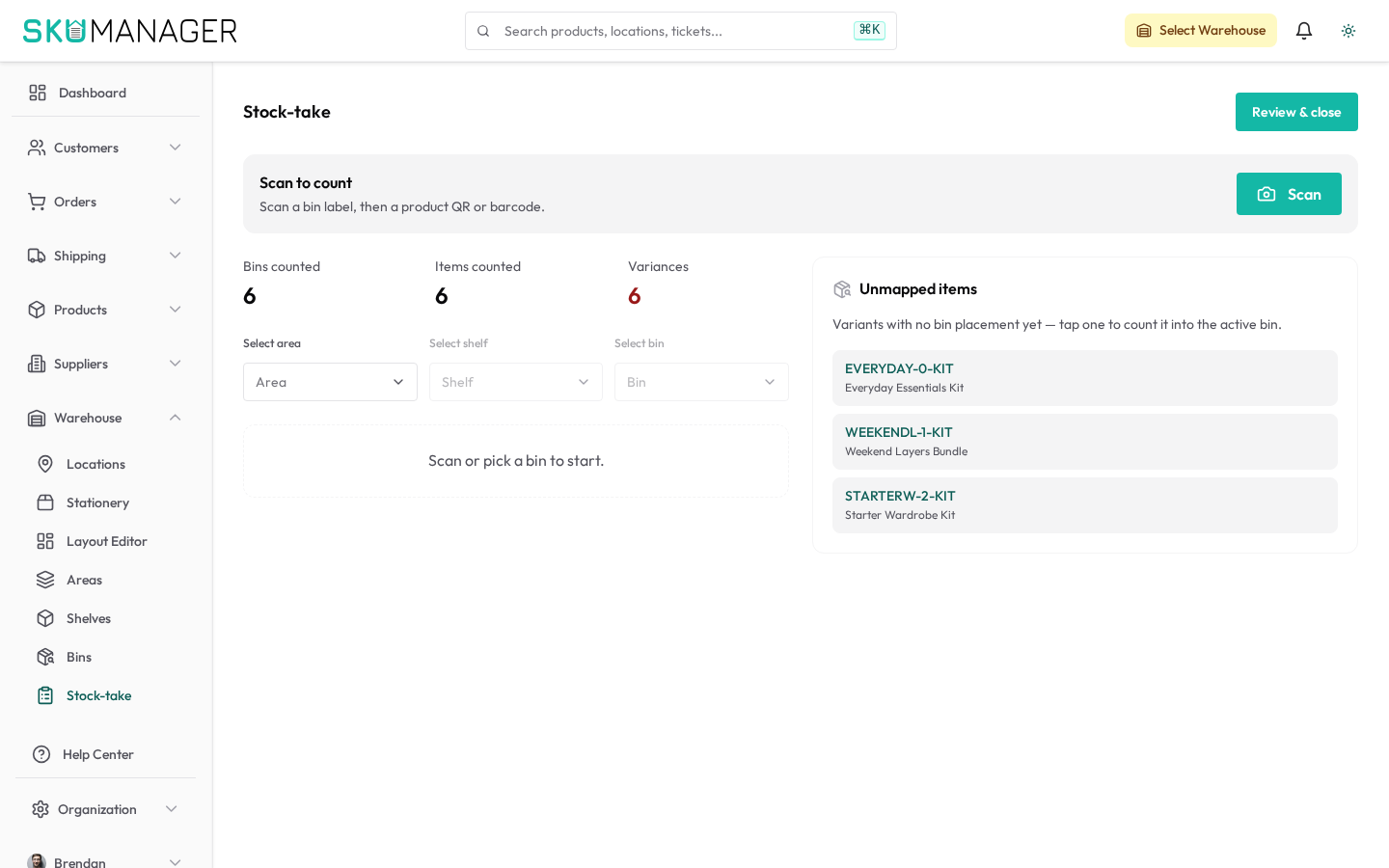
To perform a full or partial stocktake:
- Go to Warehouse → [Warehouse] → Stock-Take
- Select the warehouse and optionally filter by location or product category
- Count items and enter quantities
- Review the variance report (expected vs counted)
- Click Apply to commit the adjustments
Inventory sync to Shopify is paused automatically during an active stocktake to prevent conflicts.
Low Stock Alerts
Configure reorder points under Products → [Product] → Inventory Settings. When available stock drops below the threshold, an alert appears in the dashboard and optionally sends an email notification.
Inventory History
Every stock movement is recorded. View the full history for any product variant from the Warehouse area, filterable by date, location, and adjustment type.