
Getting Started with SKU Manager
Everything you need to know to get up and running
Getting Started
Welcome to SKU Manager — the modern inventory platform for your warehouse operations.
Creating Your Account
Visit app.skumanager.com and click Get Started. Enter your work email and follow the verification steps. Once verified, you'll be guided through workspace setup.
Setting Up Your Workspace
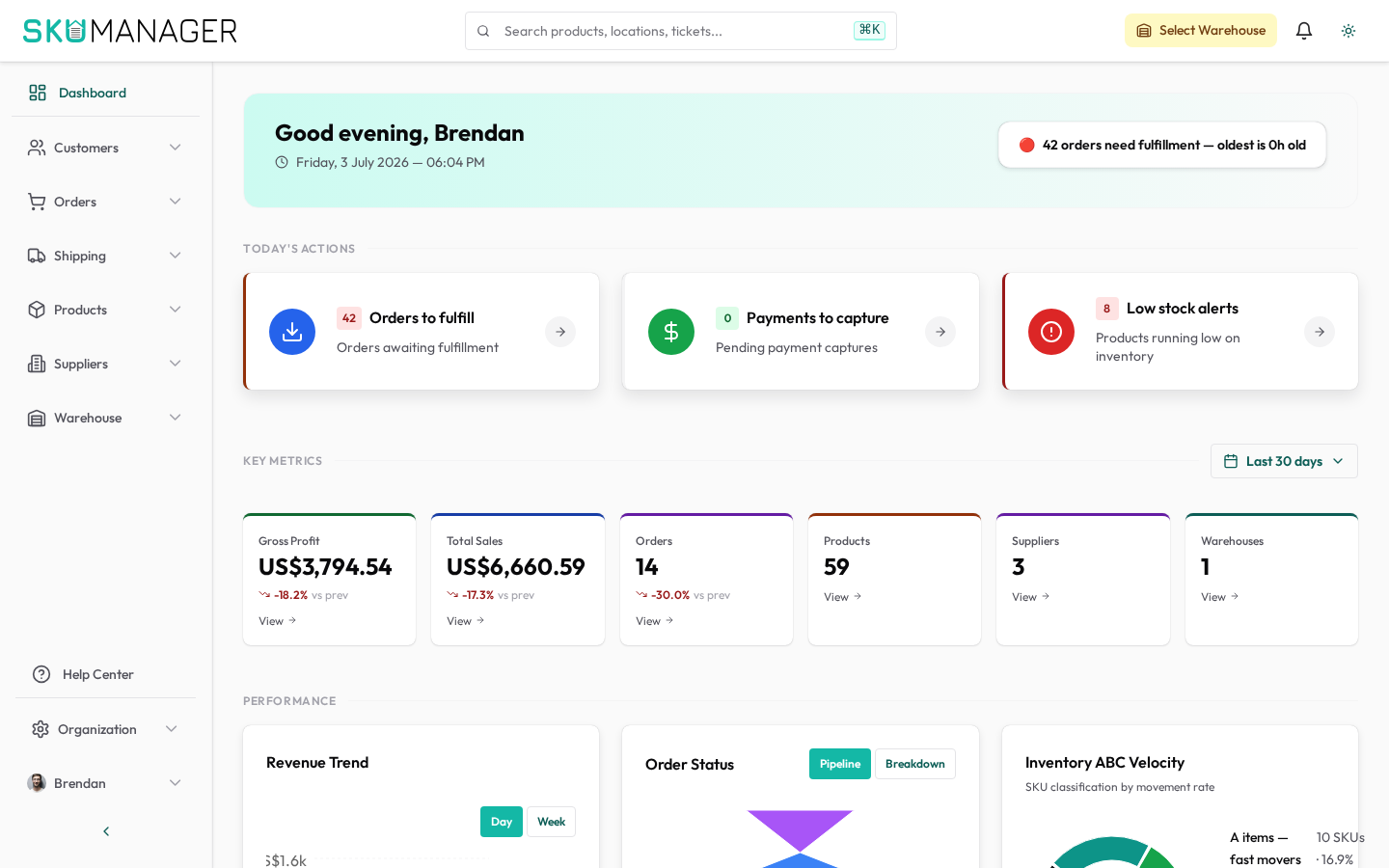
After account creation, you'll be prompted to:
- Name your organization
- Invite team members
- Connect your first warehouse or store
Inviting Your Team
Go to Settings → Organization → Users and click Invite Member. Assign one of the built-in roles:
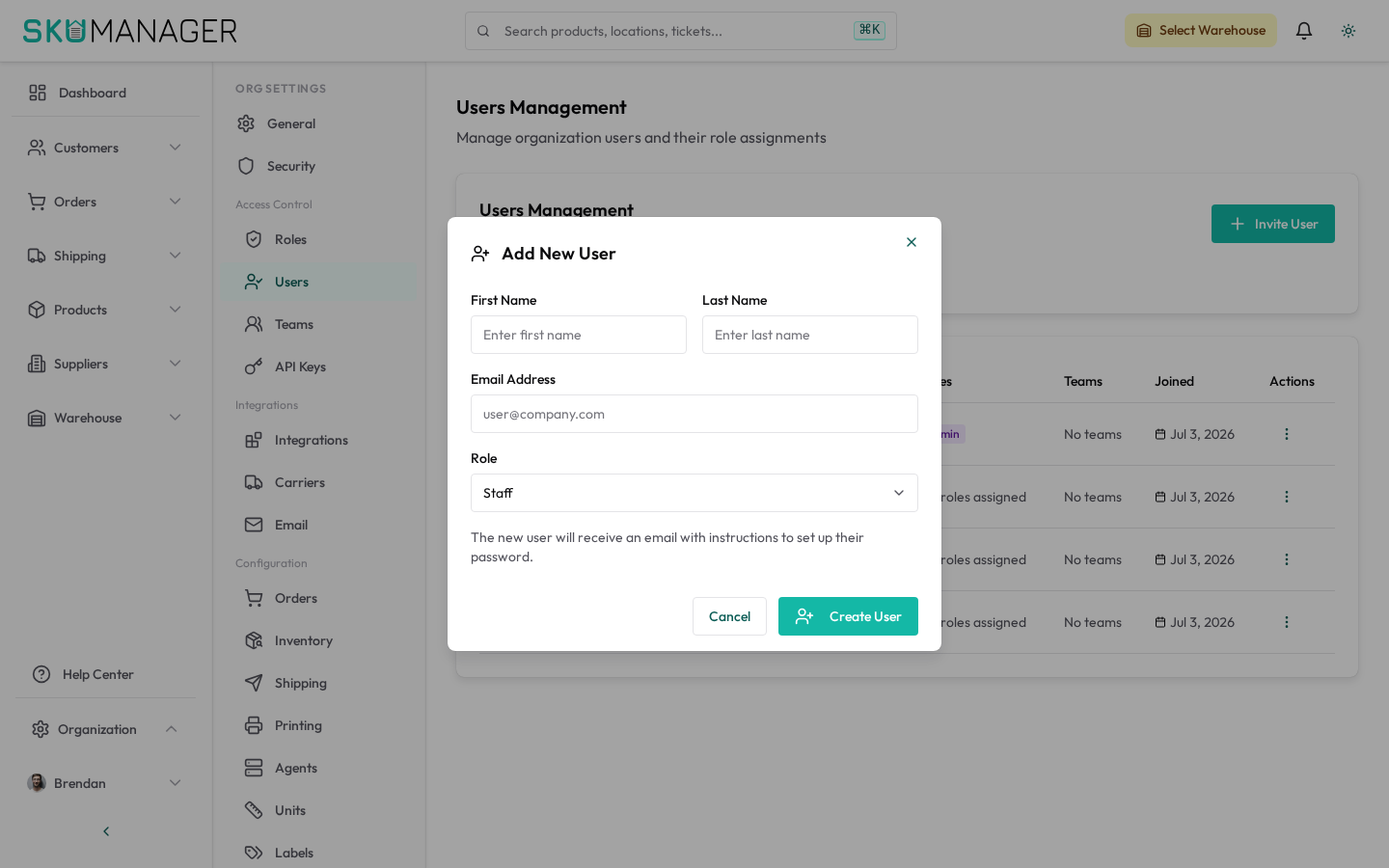
- Admin — full access to all settings and data
- Manager — can manage products, orders, and inventory
- Warehouse Staff — focused on receiving, picking, and stock adjustments
- Read Only — view-only access for reporting
Connecting a Store
Navigate to Settings → Organization → Shopify and select your platform (Shopify, manual, or API). Follow the connection wizard to link your store and begin syncing products.
Next Steps
Once your workspace is configured, explore:
- Shopify Sync to automate inventory updates
- Inventory Management to track stock levels
- Orders & Fulfillment to manage your order pipeline